Begin with layer geometry
Trace how horizontal planes intersect a model to form contours and successive planned layers. The article collection below brings together the fundamentals behind those paths.
Explore the fundamentalsIndependent FDM printing education
Explore how model geometry becomes planned layers, walls, infill, and supports. These articles explain slicing concepts and UltiMaker Cura workflows without offering software downloads or technical support.
Explore articlesBegin with the geometry behind layer paths, then follow a controlled comparison and a practical Cura learning guide. LayerSequence Atlas is an educational publication, not a software download directory.
Trace how horizontal planes intersect a model to form contours and successive planned layers. The article collection below brings together the fundamentals behind those paths.
Explore the fundamentalsFollow one 30 mm teaching model at 0.10 mm, 0.20 mm, and 0.30 mm layer heights, with theoretical counts of 300, 150, and 100. The comparison keeps other stated settings constant and distinguishes simplified arithmetic from actual slicing results.
Explore slicing examplesMove from model import and profile awareness through orientation, structural settings, slicing, and preview interpretation. The guide is educational and does not provide software downloads or technical support.
Read the Cura guideThe article collection
Twelve standalone articles on model preparation, structural settings, preview interpretation, and Cura workflows. Choose a topic filter to narrow the collection; articles with related subjects may appear under more than one topic.
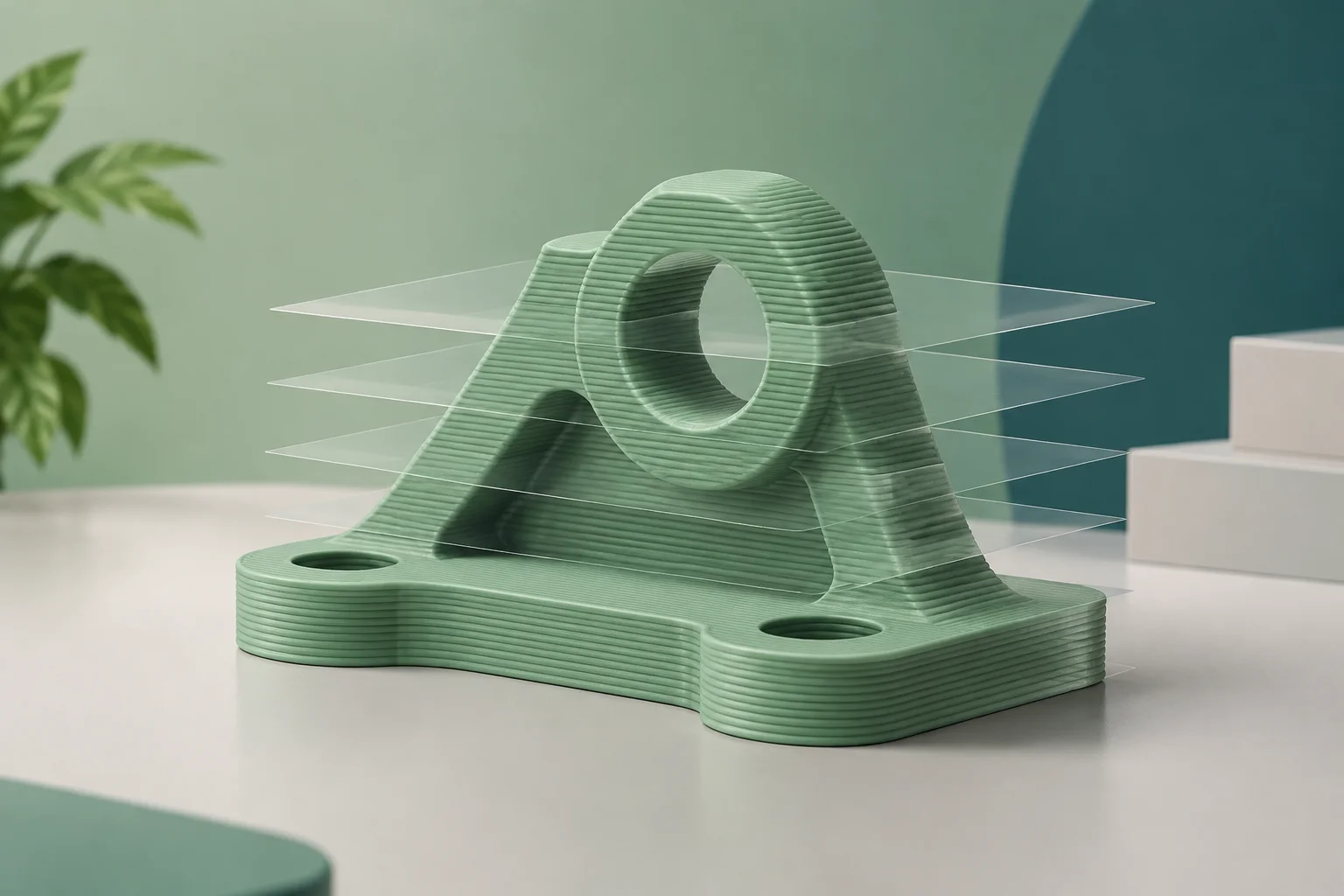
See how Cura’s Use Adaptive Layers setting varies layer height along a model, and why adaptive stacks cannot be counted with a uniform formula.
Read the article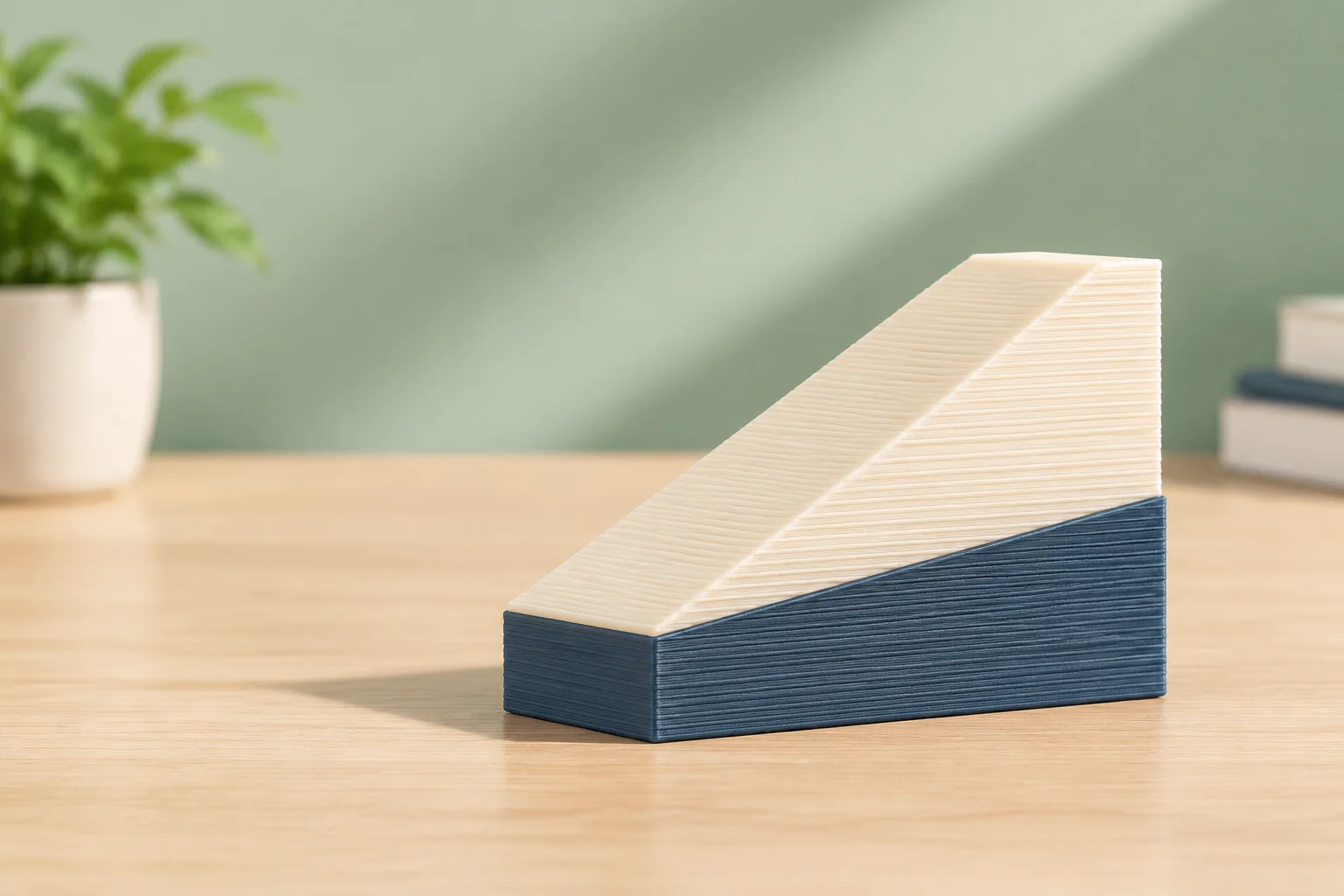
See why each closed outer wall has a start point, how seam alignment options place those points, and how to find the seam in a layer preview.
Read the article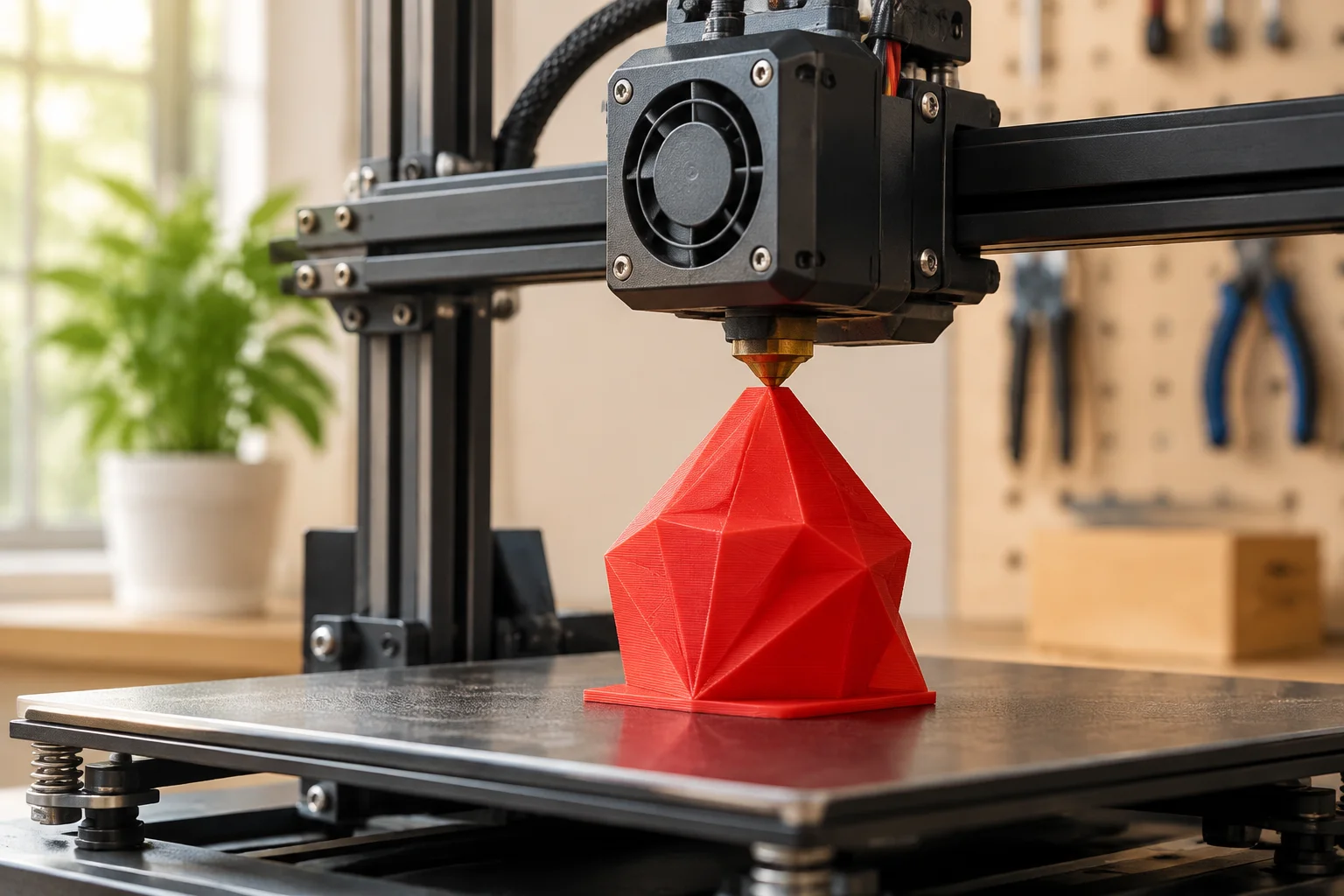
Separate the nozzle’s physical opening from the slicer’s line width setting, and see how planned path width shapes walls, infill and thin features.
Read the article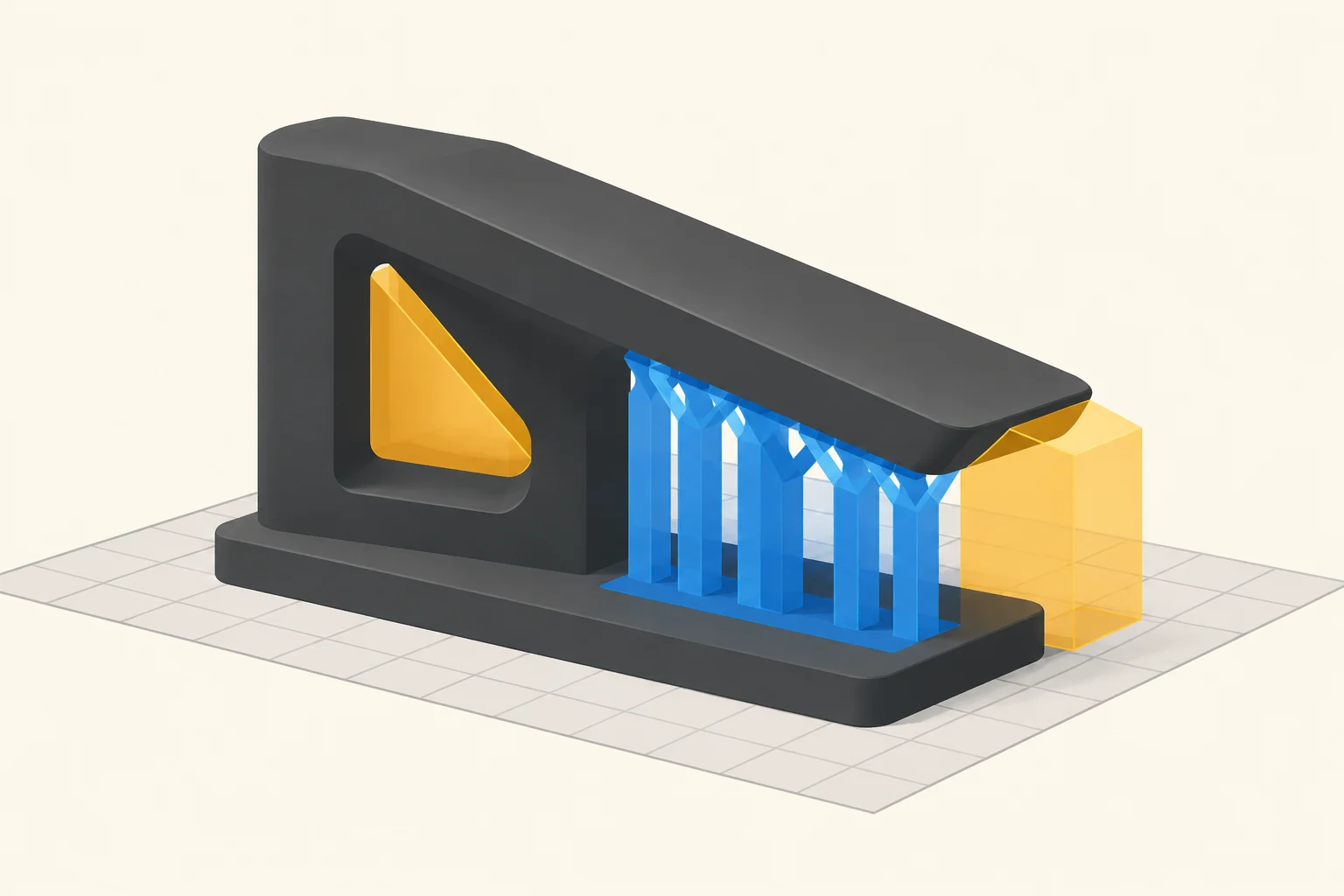
Learn how Support Painting in UltiMaker Cura 5.14 lets you add, block, or adjust support areas, and how those edits relate to overhang geometry and planned support placement.
Read the article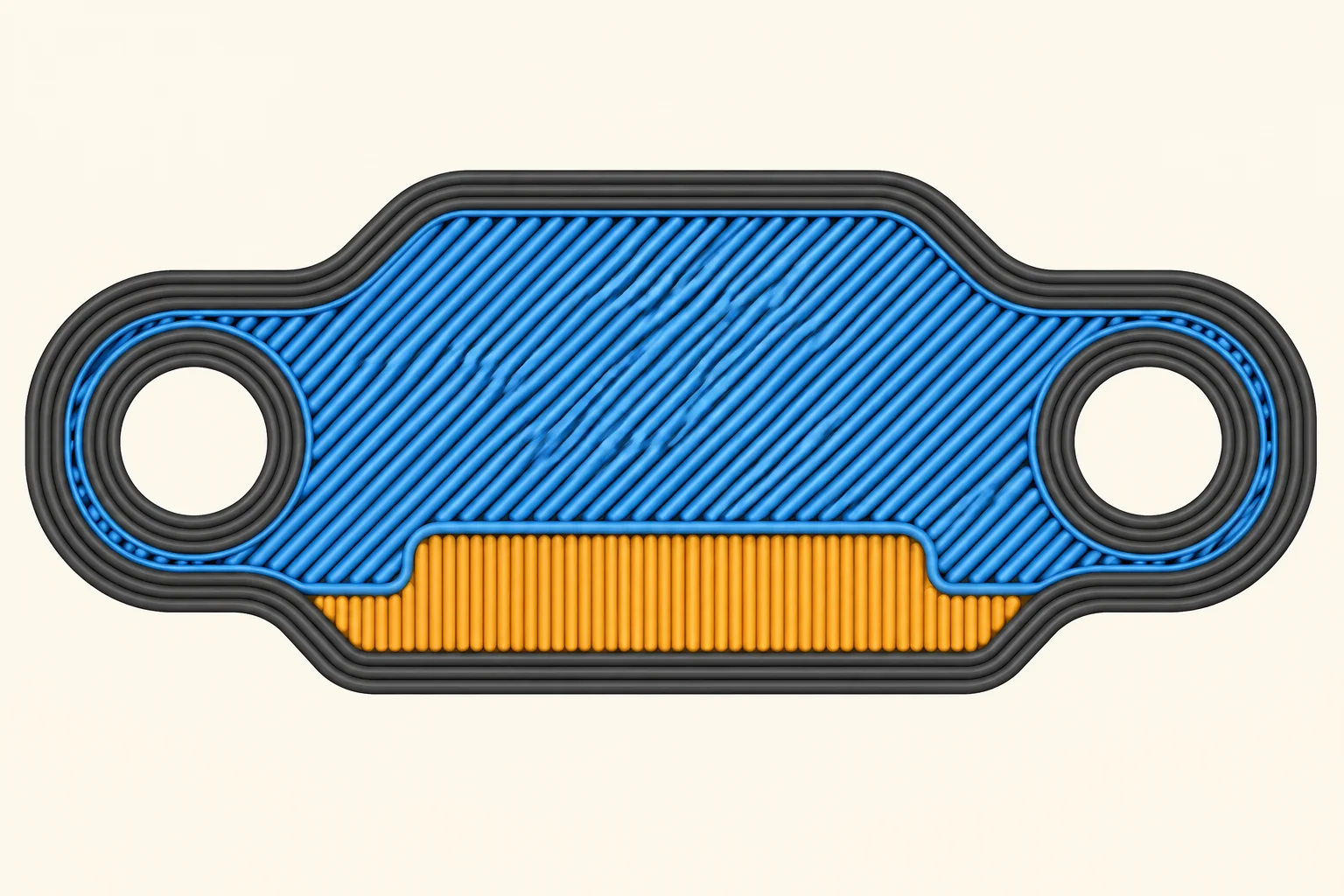
Follow perimeter paths, infill, top and bottom regions, supports, and travel gaps in a sliced-layer preview—and distinguish planned toolpaths from a physical print result.
Read the article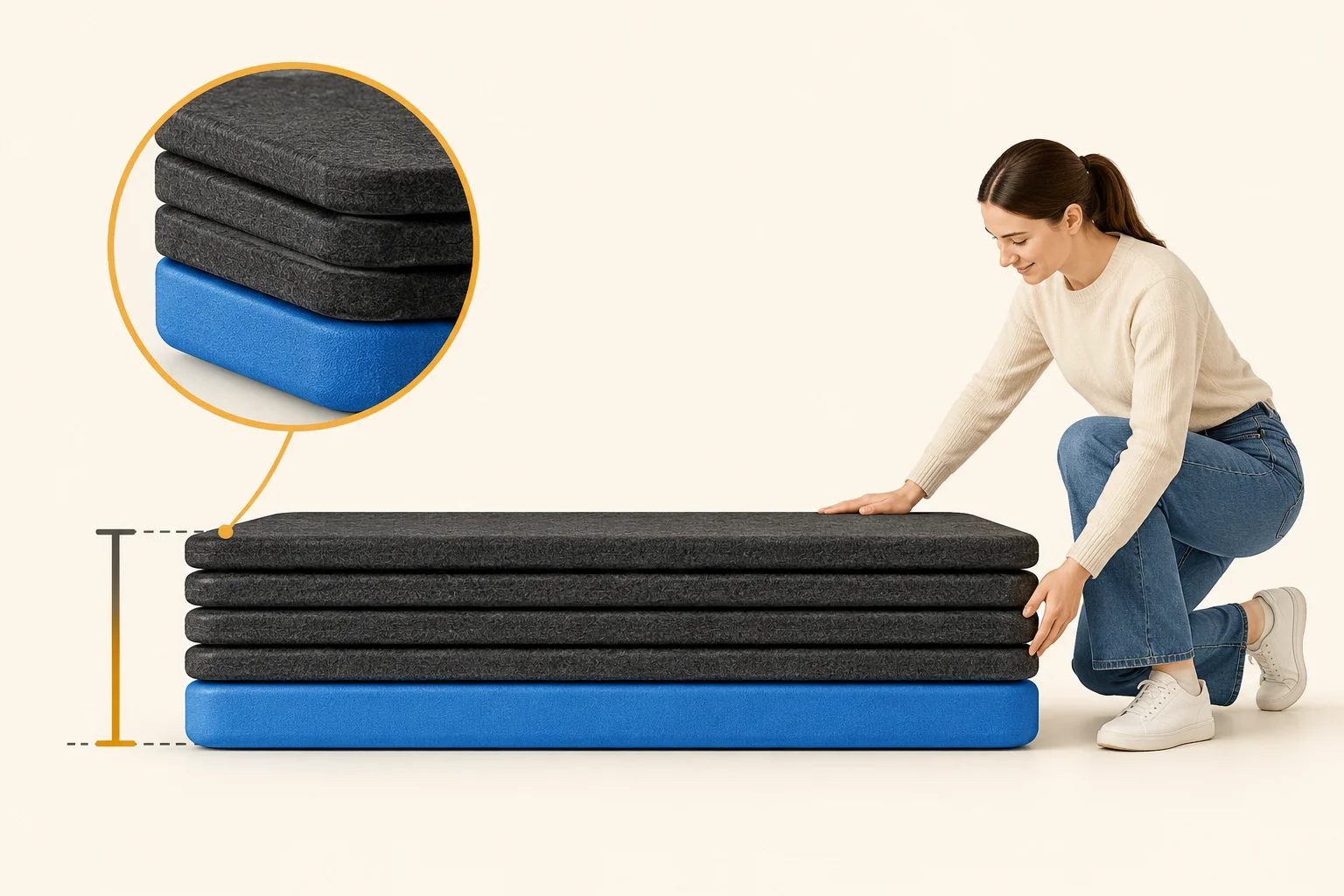
See why dividing model height by layer height gives only a simplified theoretical count, and how first-layer height and other slicing settings affect the result.
Read the article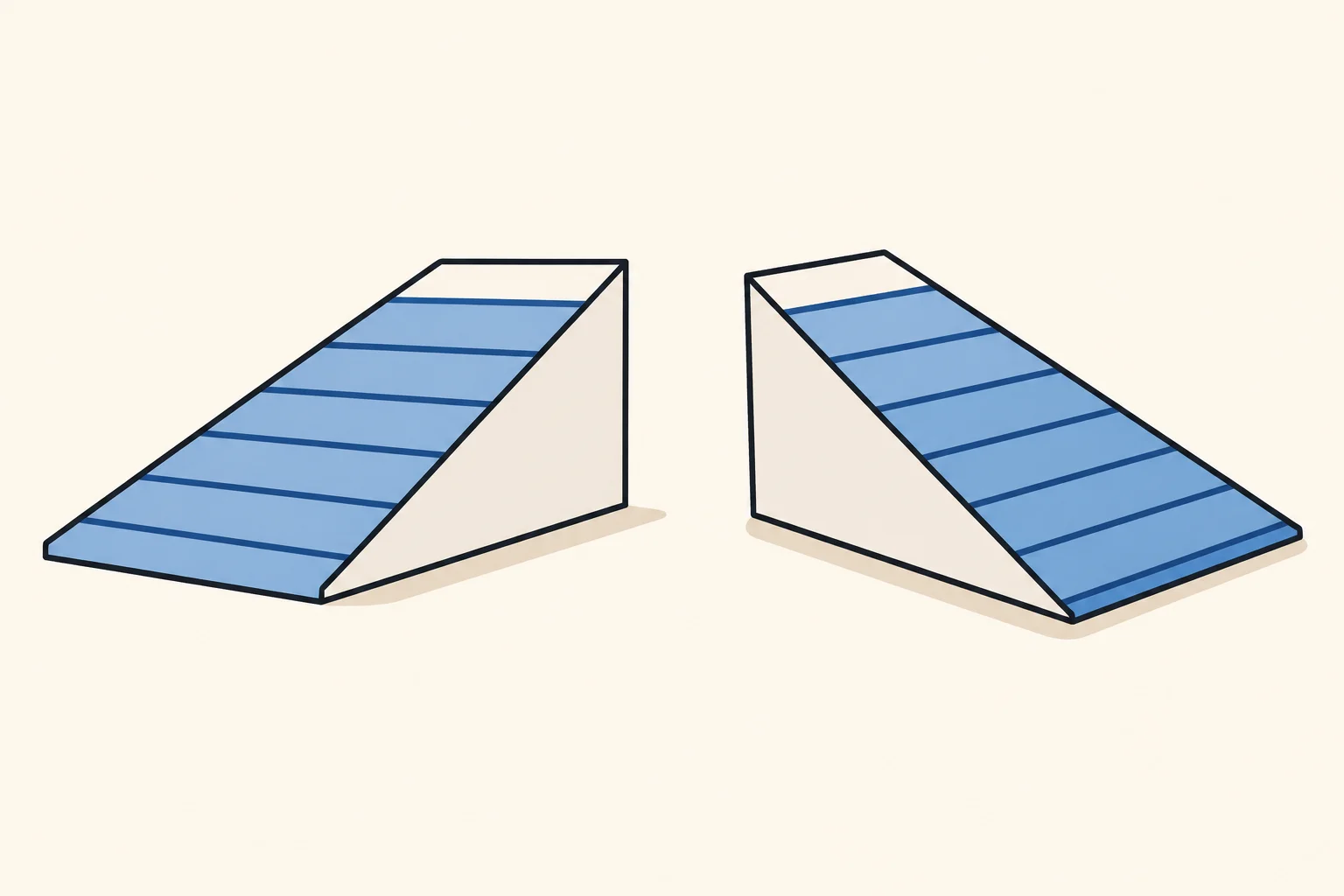
Explore how rotating a model changes the relationship between sloped surfaces and horizontal layer planes, including which features face upward or may need support.
Read the article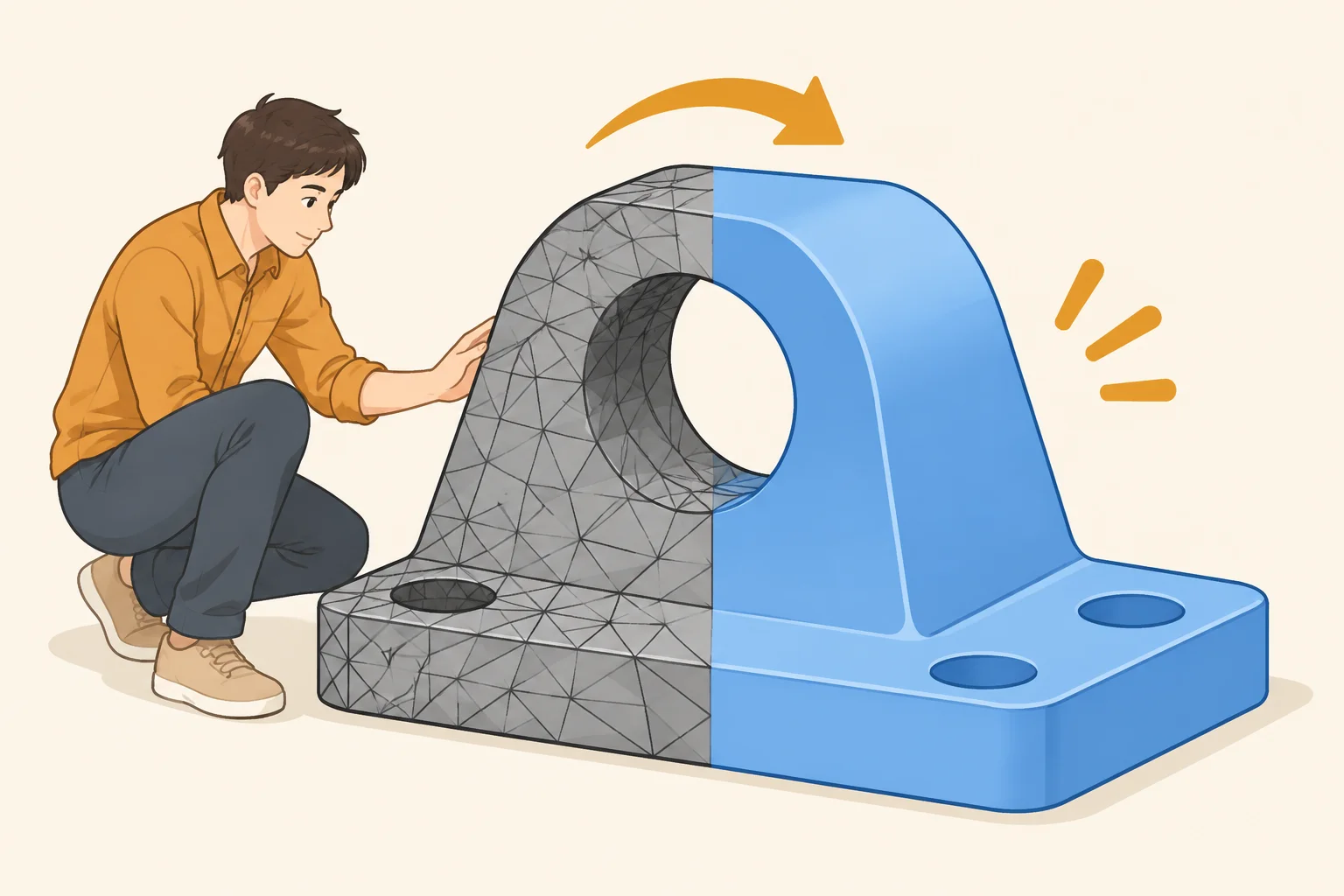
Check closed surfaces, normals, gaps, intersecting shells, scale, and orientation before slicing, while learning what a slicer’s interpretation can reveal.
Read the article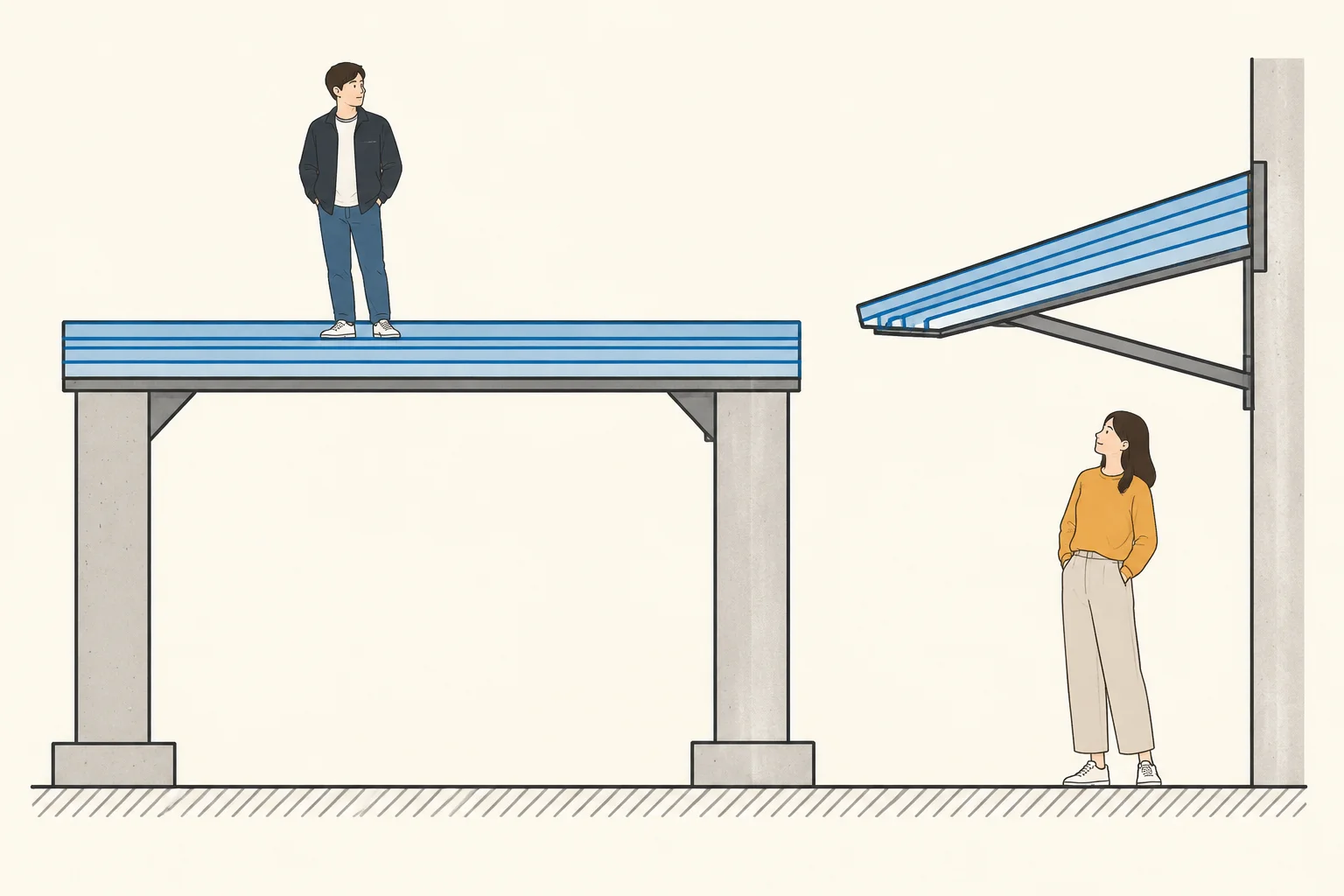
Distinguish bridges spanning supported endpoints from outward-extending overhangs, and see how support choices shape the planned structure.
Read the article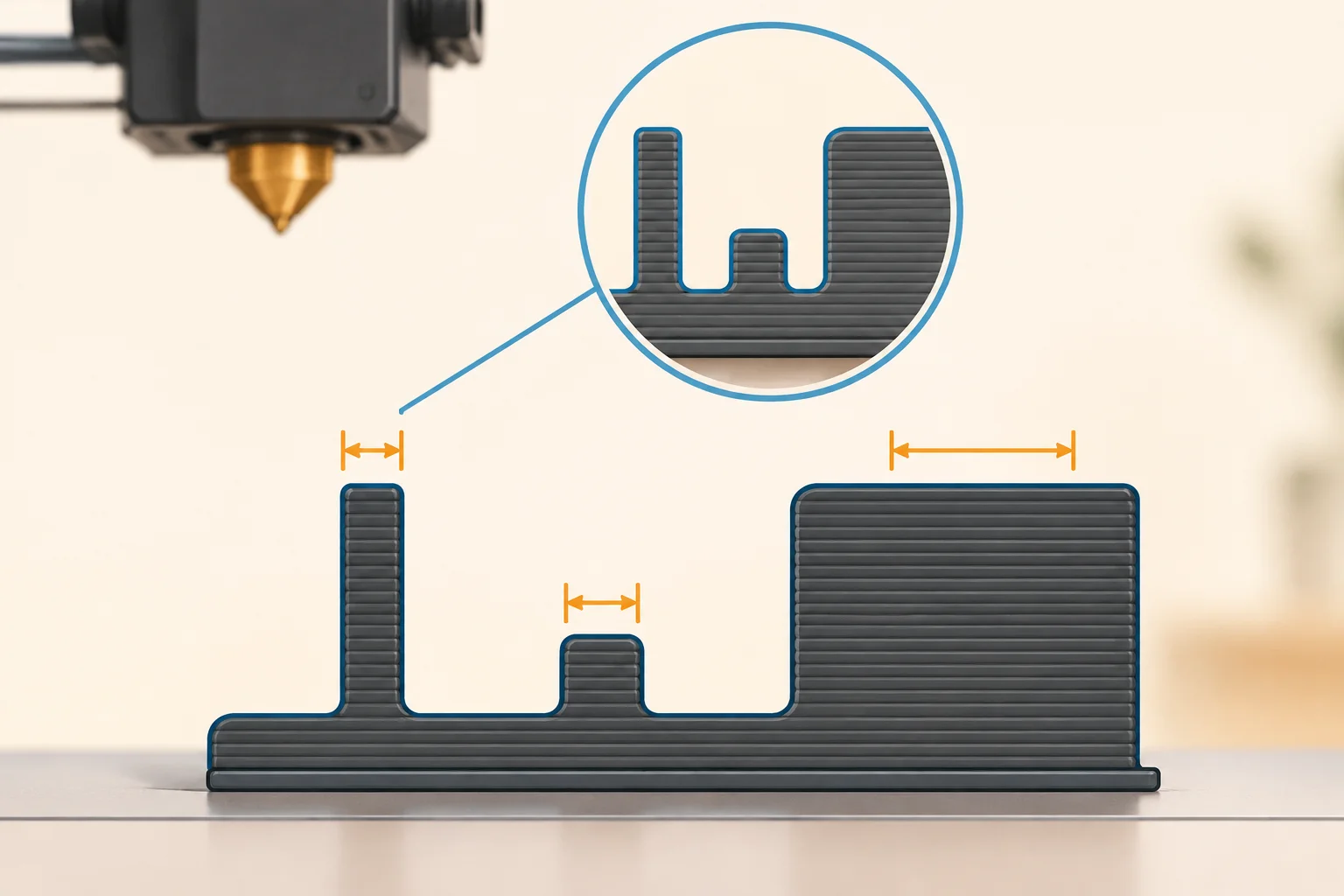
Learn how narrow walls, slots, and small details may be represented by available toolpaths, and why dimensions and slicing settings matter when interpreting them.
Read the article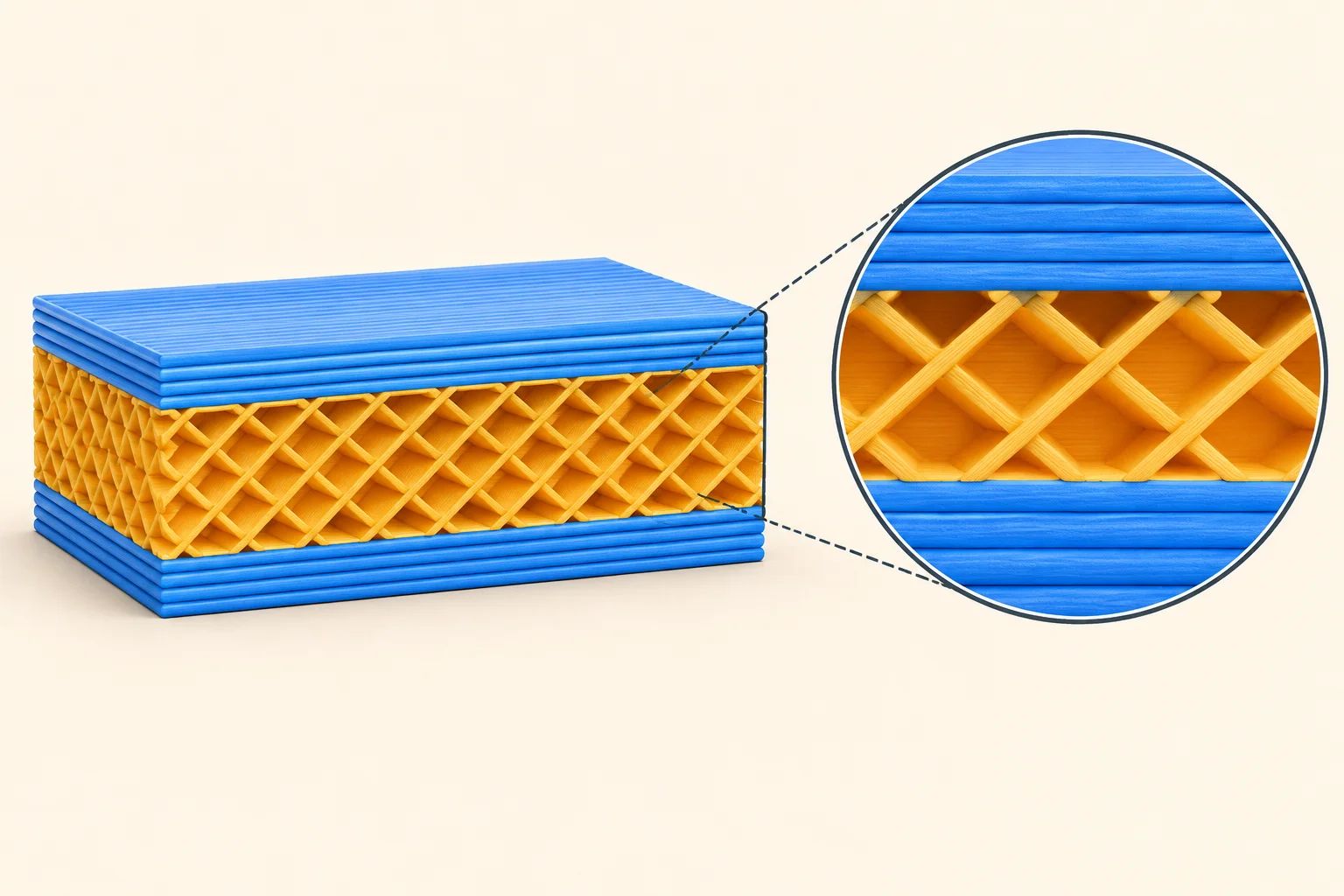
Examine how top and bottom paths create solid surface coverage and how those regions differ from sparse infill beneath them.
Read the article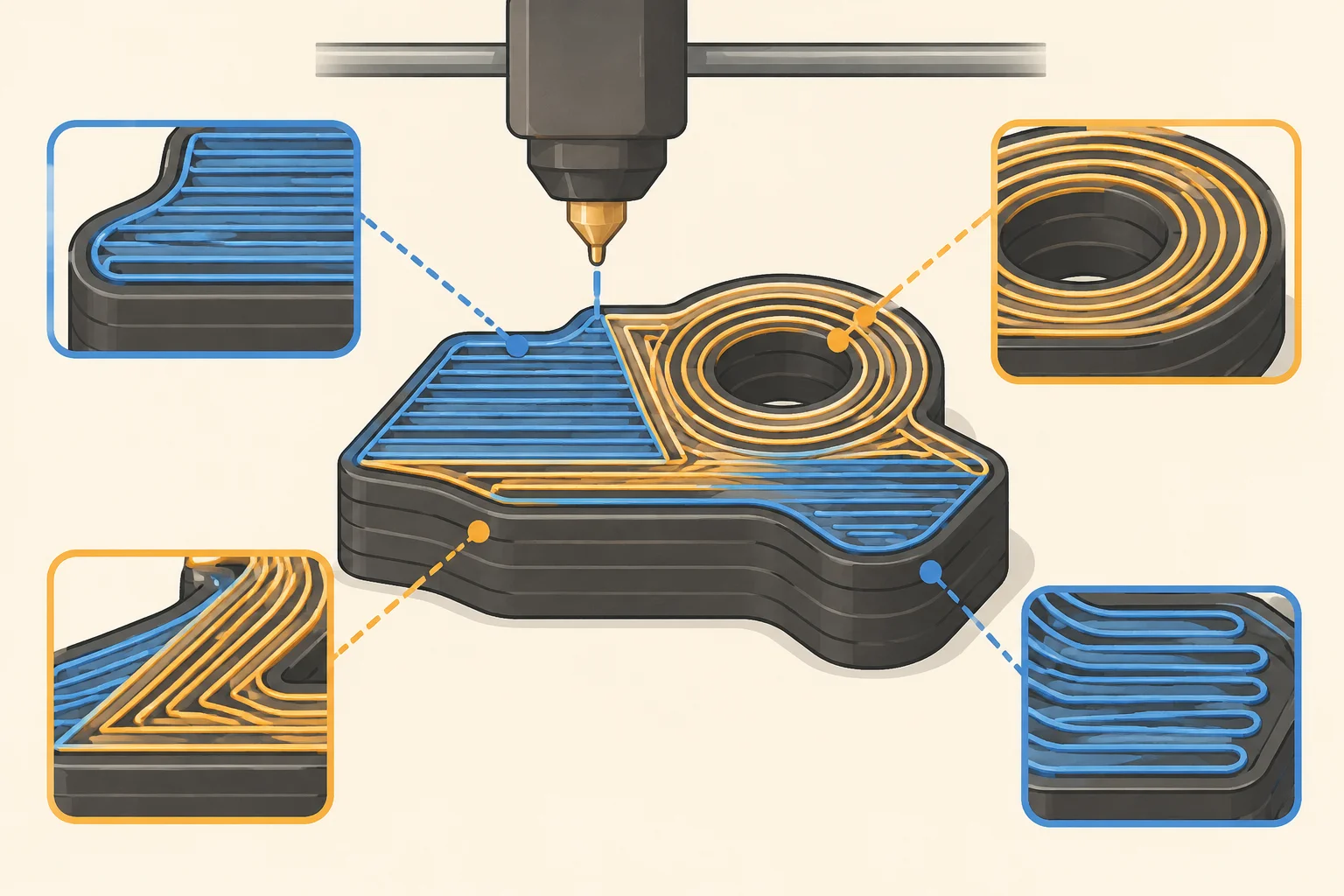
Understand how model, profile, motion settings, and other inputs shape a slicer time estimate—and why theoretical layer counts do not establish a print duration.
Read the articleThe Layer Comparison Explorer compares three fixed layer heights on the same teaching model using a schematic view. It illustrates layer geometry rather than displaying slicer output or predicting physical print results.
Open the explorer