10/31/2026
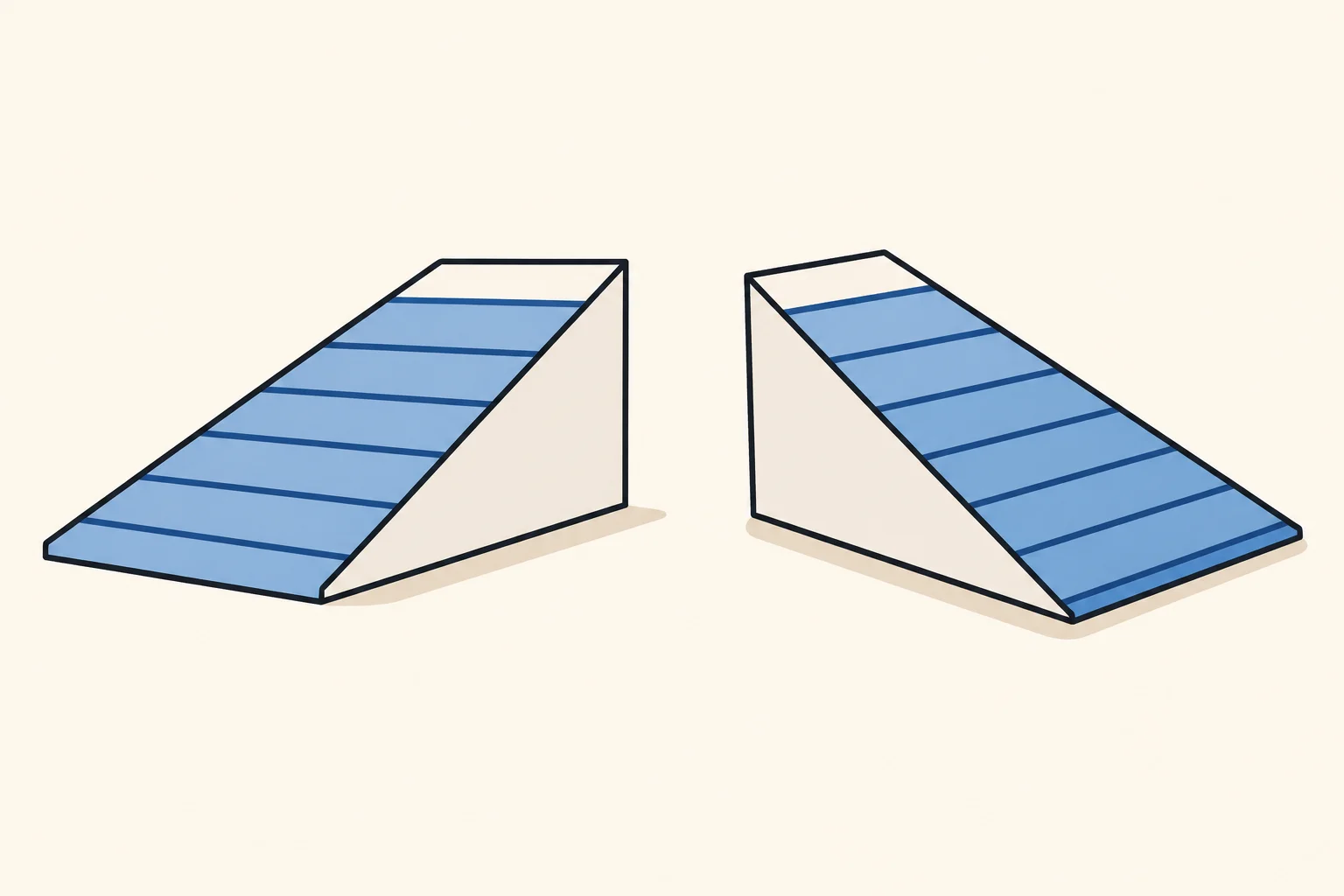
Model Orientation and Surface Stepping
See how orientation changes the visible stepping on sloped surfaces, a geometric effect that layer counts alone cannot describe.
Read articleArticles
See why model height divided by layer height gives a useful theoretical estimate, not necessarily the layer count shown after slicing. A 30 mm teaching model makes the effect of first-layer height and other Cura settings easier to understand.
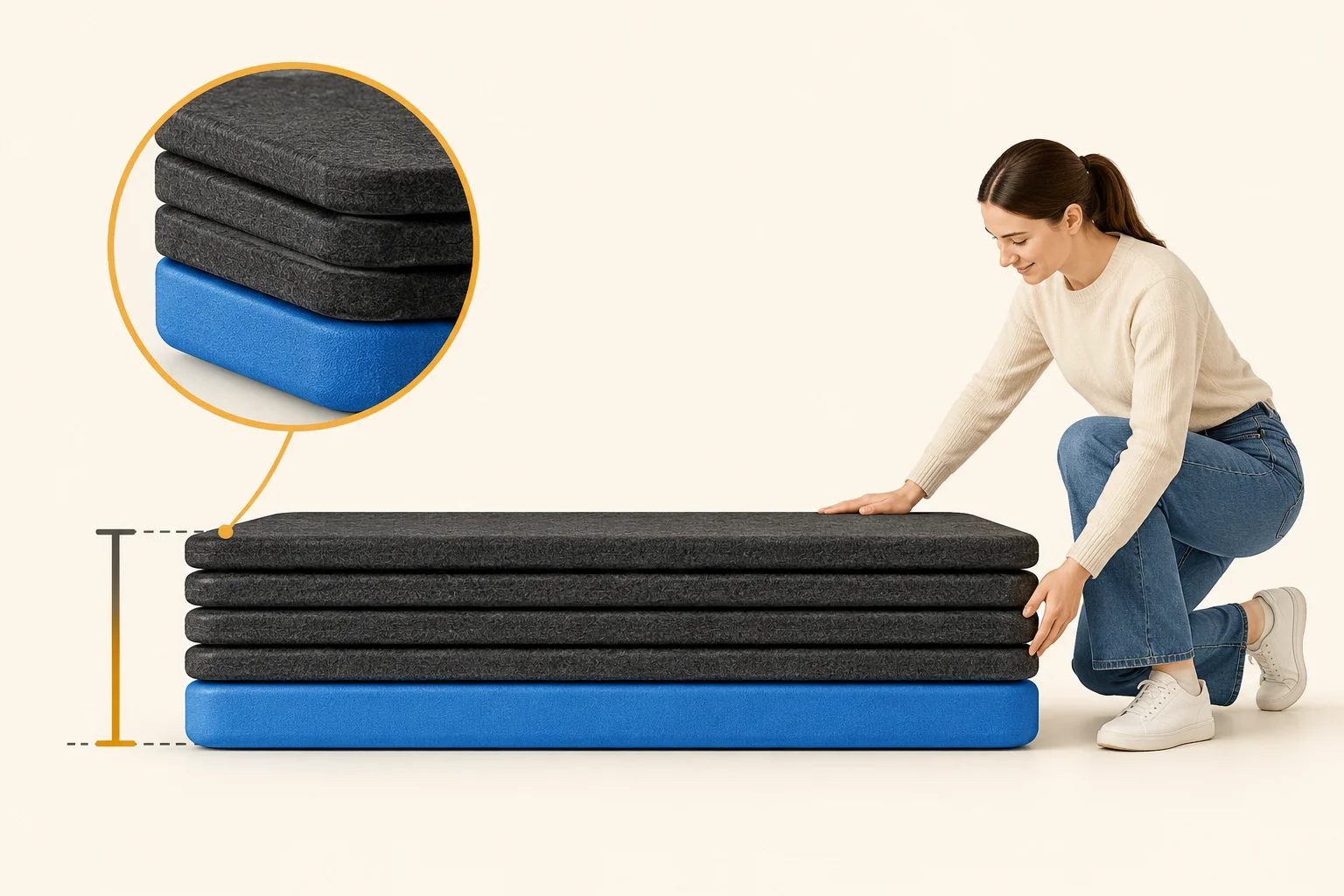
Follow a 30 mm example from simple division to the settings and geometry that affect a real slicing result.
A theoretical layer count is a quick way to compare nominal layer heights on the same model. For a 30 mm model, dividing 30 mm by a uniform 0.20 mm layer height gives 150 layers. That arithmetic describes an assumption; it does not report what Cura sliced.
A first layer can use a different height, and slicing settings affect how the model is divided. Treat the quotient as a planning reference, then check the actual layer count and preview in the slicer before interpreting a toolpath.
Divide the model height by the chosen layer height when every layer is assumed to be identical. With the same 30 mm geometry, the calculations are 30 ÷ 0.10 = 300, 30 ÷ 0.20 = 150, and 30 ÷ 0.30 = 100 theoretical layers.
This controlled comparison changes only the nominal layer height. The printer profile, material, and nozzle diameter stay constant; infill remains at 20% and wall line count at three. Those shared conditions make the arithmetic easier to compare, but they do not turn it into a measured print or a complete simulation of Cura.
The first-layer height is the vertical thickness assigned to the initial layer, which is laid against the build plate. It may differ from the regular layer height. When it does, the assumption that every layer is uniform no longer describes the sliced stack exactly.
For example, the 150-layer result for a 30 mm model at 0.20 mm is valid only as a uniform-layer calculation. Do not adjust that result by guessing how many layers Cura will use: the actual count depends on the first-layer height and the other active settings.
Keep the terms distinct: model height describes the vertical extent of the geometry, layer height is a slicing setting, and layer count is the number of layers in the generated plan. They are related, but they are not interchangeable measurements.
Use the slicer's completed result when you need the count for a particular job. Confirm that the intended model, orientation, printer profile, material, nozzle diameter, first-layer height, and regular layer height are in use before comparing results.
Then inspect the layer preview. It shows the planned toolpaths and how the cross-section changes through the model; it does not establish what happened during a physical print. A preview and its layer count are slicer outputs, while a printed part must be examined separately to assess its actual dimensions or surface.
In Cura, the displayed result reflects the settings used for that slice. The theoretical counts of 300, 150, and 100 are reference values for the uniform-height case, not promised Cura outputs.
The estimate is most useful for explaining the direction of change: for a fixed 30 mm height, a smaller uniform layer height produces a larger theoretical count. It also gives learners a quick way to check the arithmetic before opening a slicer.
Layer height can affect the appearance of sloped surfaces, where layer boundaries create visible stepping. The count alone does not describe that surface, print duration, strength, or material use. No such physical outcomes can be inferred from these three calculations.
Use these distinctions to keep a quick calculation separate from the slicer's result and the physical print.
Divide model height by layer height, assuming every layer has the same height. For a 30 mm model at 0.20 mm, the theoretical result is 150 layers.
The calculation assumes uniform layers. Cura's sliced result accounts for the first-layer height and other active settings, so the quotient is not a substitute for checking the completed slice.
Not necessarily. The first-layer height can be set differently, which means the uniform-height assumption used in the simple division does not fully describe the sliced stack.
No. They are theoretical counts for a 30 mm model at uniform layer heights of 0.10 mm, 0.20 mm, and 0.30 mm, respectively. Actual Cura counts depend on the slice settings.
No. The count alone does not provide a measured duration, strength value, material use, or physical print outcome. Those require relevant slicer outputs or separate documented tests.
Read related explanations to build a broader understanding of slicing.
10/31/2026
See how orientation changes the visible stepping on sloped surfaces, a geometric effect that layer counts alone cannot describe.
Read article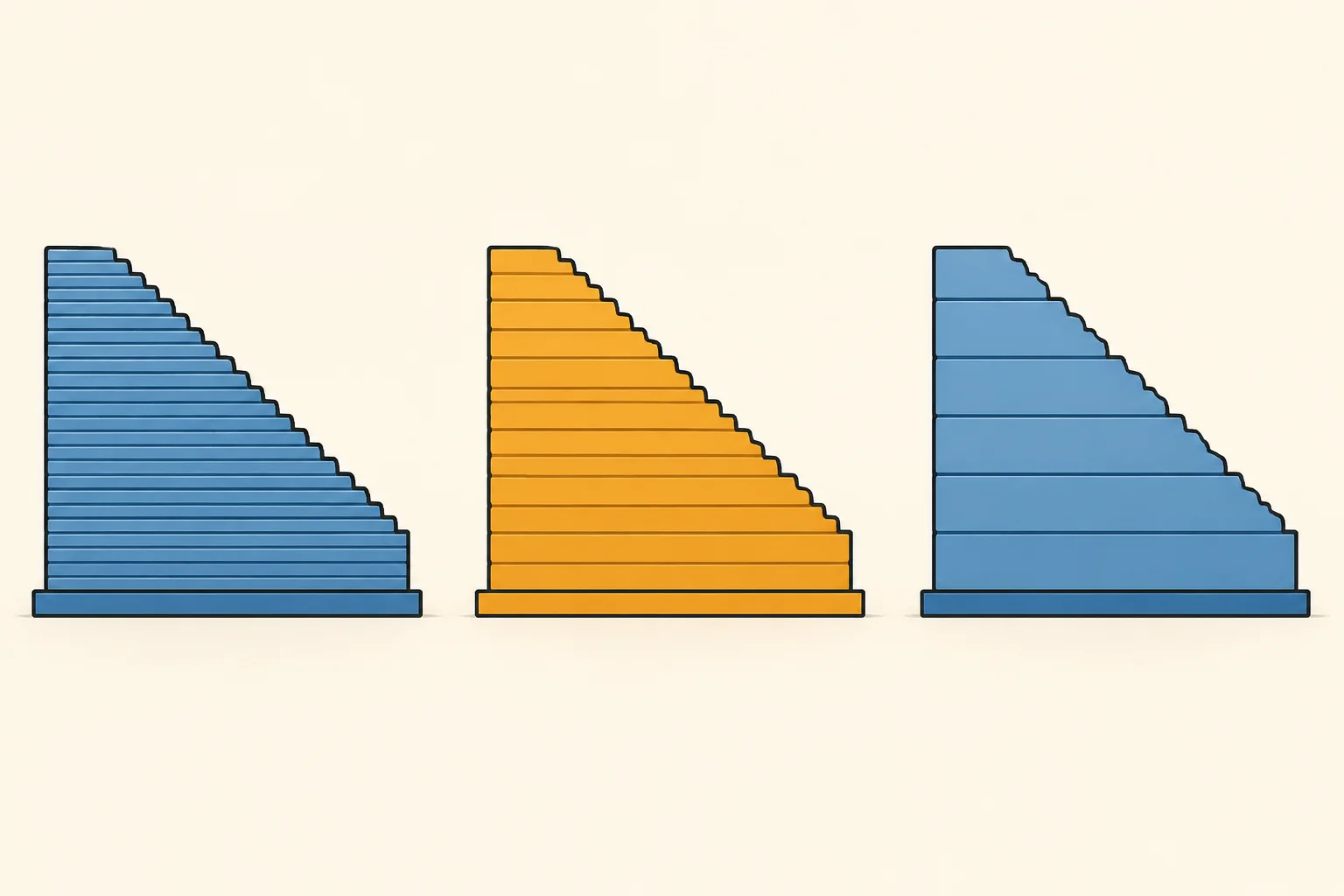
09/22/2026
Compare controlled slicing scenarios for the same 30 mm teaching model, including the uniform-height calculations discussed here.
Read article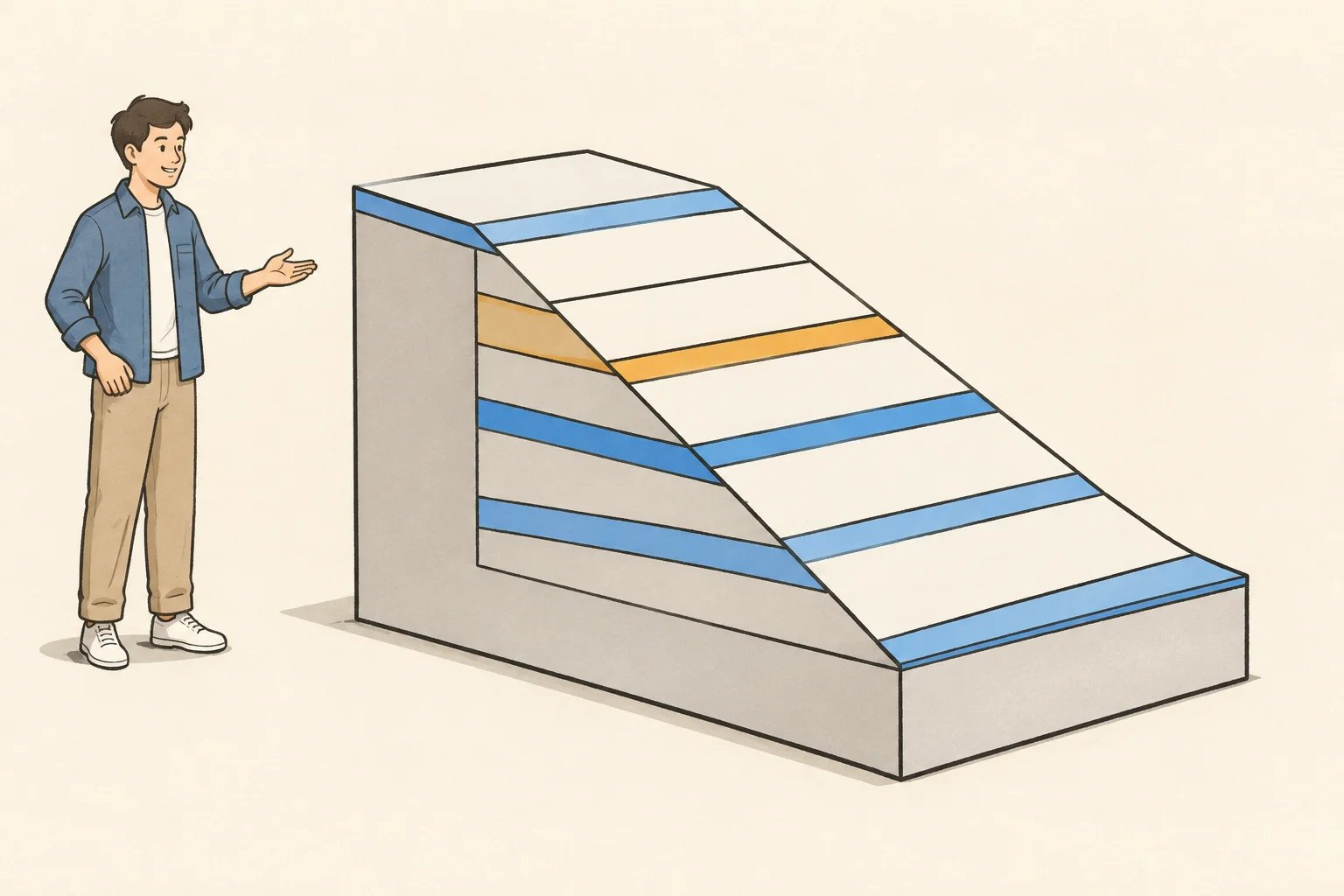
10/10/2026
Explore how cross-sections become stacked layers and why their geometry matters when interpreting a sliced model.
Read articleCompare the arithmetic here with controlled model cases, surface stepping, and layer geometry. Each article separates simplified calculations from slicer output and physical print results.