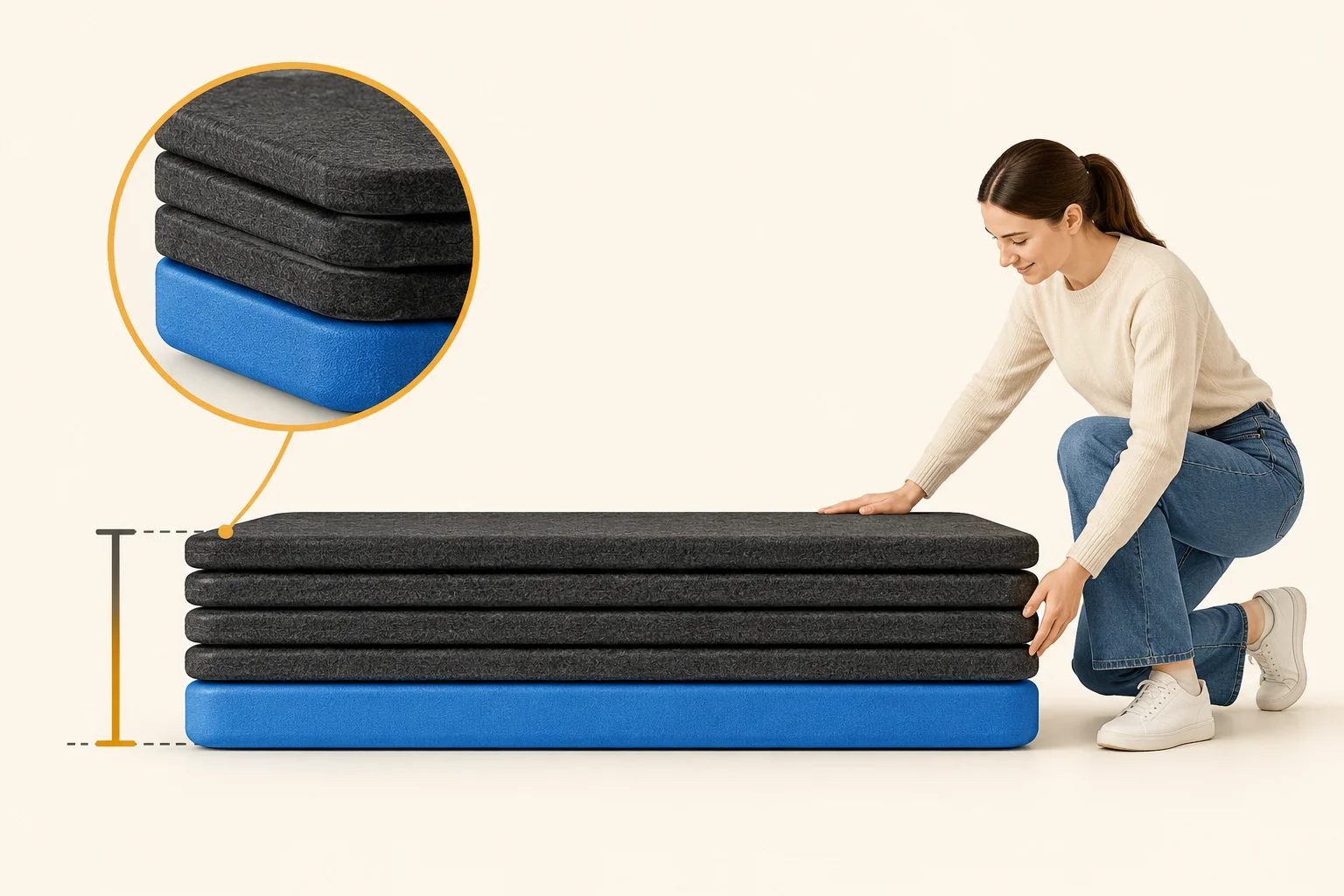
11/07/2026
First-Layer Height and Layer Counts
See why dividing model height by layer height gives only a simplified theoretical count, and how first-layer height and other slicing settings affect the result.
Read articleArticles
Adaptive layers let a slicer vary layer height along the height of a model instead of keeping every layer the same. Learn what the Cura settings control, how varying heights change the layer stack, and why the simple height ÷ layer-height calculation no longer applies.
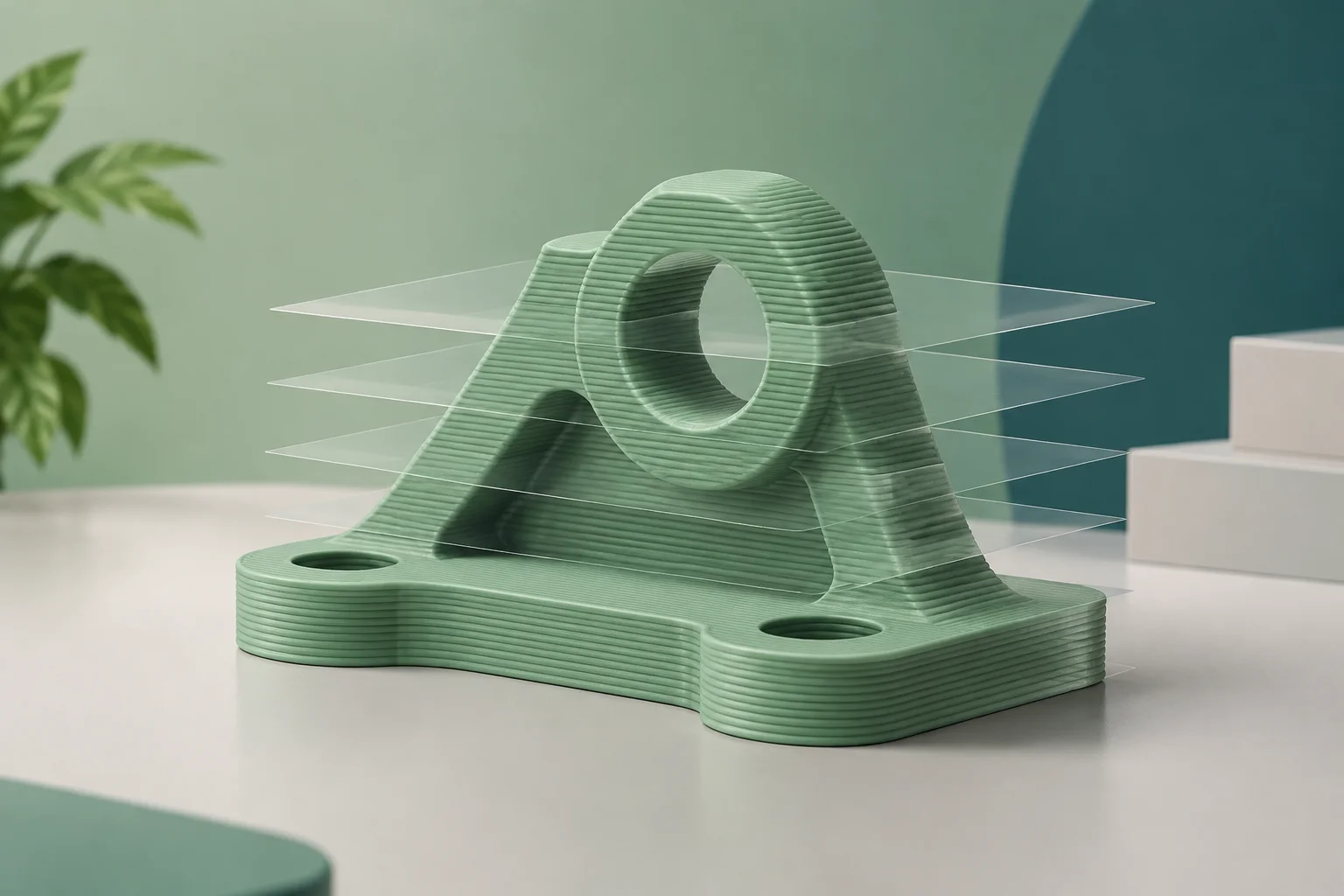
Compare a uniform layer stack with one whose spacing changes along the model height.
In a uniform stack, every layer after the first uses the same height. That assumption is what makes a simple calculation possible: a 30 mm model at 0.20 mm gives a theoretical 150 layers.
With adaptive layers enabled, the slicer varies layer height within limits, based on the shape of the model at each height. The stack then contains layers of different heights, so the count can only be read from the sliced result.
A uniform stack treats the model as a series of equal vertical intervals. An adaptive stack keeps the same idea of horizontal slicing but changes the interval where the model’s surface changes more or less steeply.
Both are calculated representations. Neither one predicts a physical surface finish on its own; they describe where slicing planes are placed.
In UltiMaker Cura, adaptive layers are enabled with Use Adaptive Layers in the experimental settings. Related settings define how far the height may vary from the base Layer Height, the size of each variation step, and a topography size that guides how surface shape is evaluated.
Setting names and their location can change between Cura versions, so check the version you are using and note each value when you compare sliced results.
Adaptive layering responds to the model surface. Regions where the surface slopes gradually can receive different heights from regions where walls are close to vertical.
Because the variation depends on geometry, two models sliced with the same settings can produce quite different stacks. Orientation also matters, since it changes which surfaces appear sloped at each height.
The theoretical counts used elsewhere on LayerSequence Atlas—300, 150 and 100 layers for a 30 mm model at 0.10, 0.20 and 0.30 mm—assume a uniform stack. They do not apply when adaptive layers are enabled.
To compare an adaptive result, slice the model, read the layer count from the preview, and record it alongside the settings. This article reports no measured counts, print times or material figures.
Step through the layer view and watch for places where the spacing between layers changes. Comparing the same model with the feature on and off, while keeping every other setting fixed, isolates its effect on the planned stack.
Key takeaway: adaptive layers change where slicing planes fall. Read the outcome from the sliced preview rather than estimating it with a uniform formula.
Use these answers to separate the setting’s purpose from claims about physical results.
It appears as Use Adaptive Layers among the experimental settings in recent versions. Use the setting search if its location differs in your version.
Not with a uniform formula. The count depends on the model geometry and the adaptive settings, so read it from the sliced preview.
This article reports no time or material figures. Any estimate is a slicer output for a specific model and configuration.
Yes. Orientation changes which surfaces are sloped at each height, which changes where the slicer varies layer height.
Read related explanations to build a broader understanding of slicing.
11/07/2026
See why dividing model height by layer height gives only a simplified theoretical count, and how first-layer height and other slicing settings affect the result.
Read article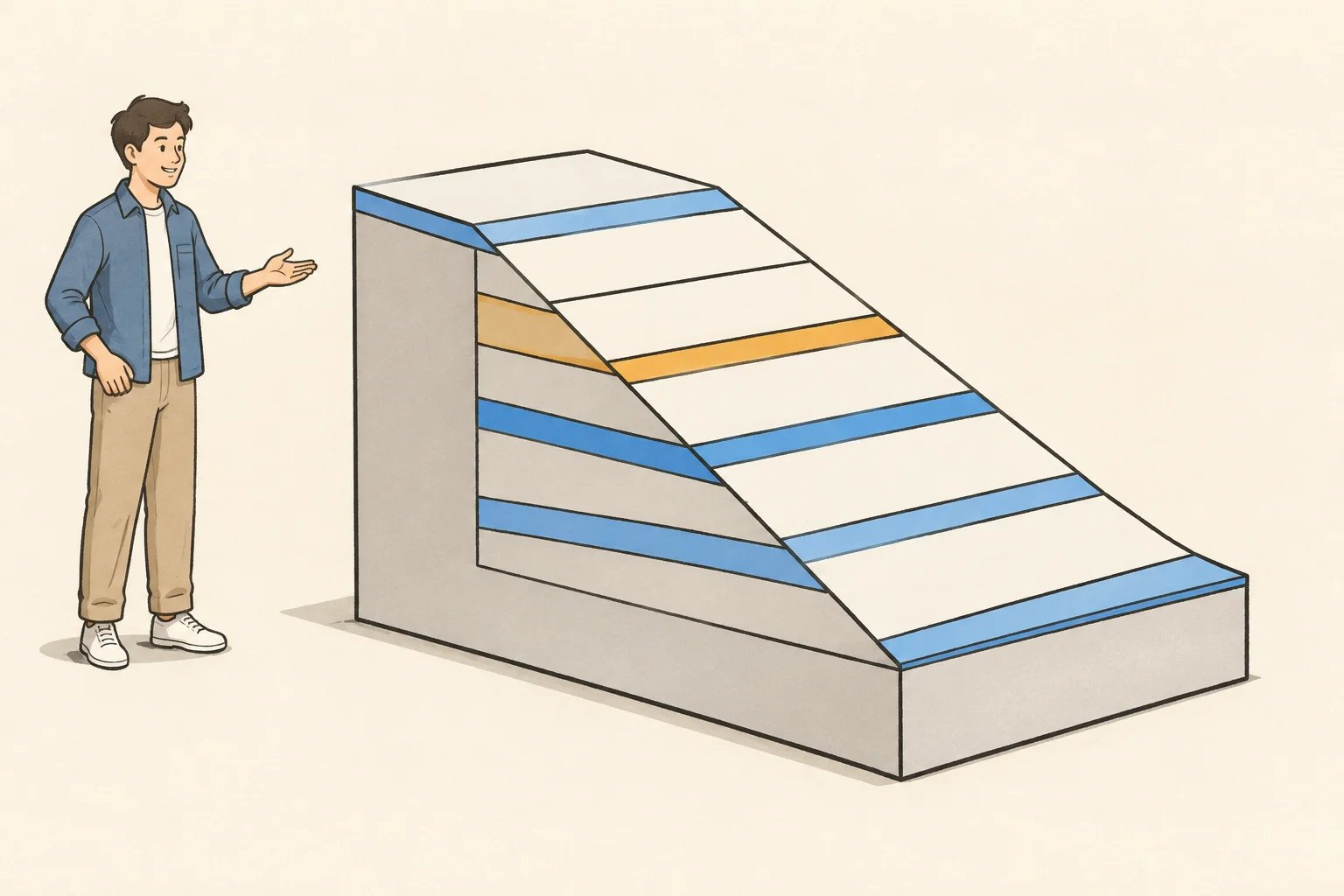
10/10/2026
Understand how horizontal planes intersect a 3D model to create contours, changing cross-sections, and successive planned layers.
Read article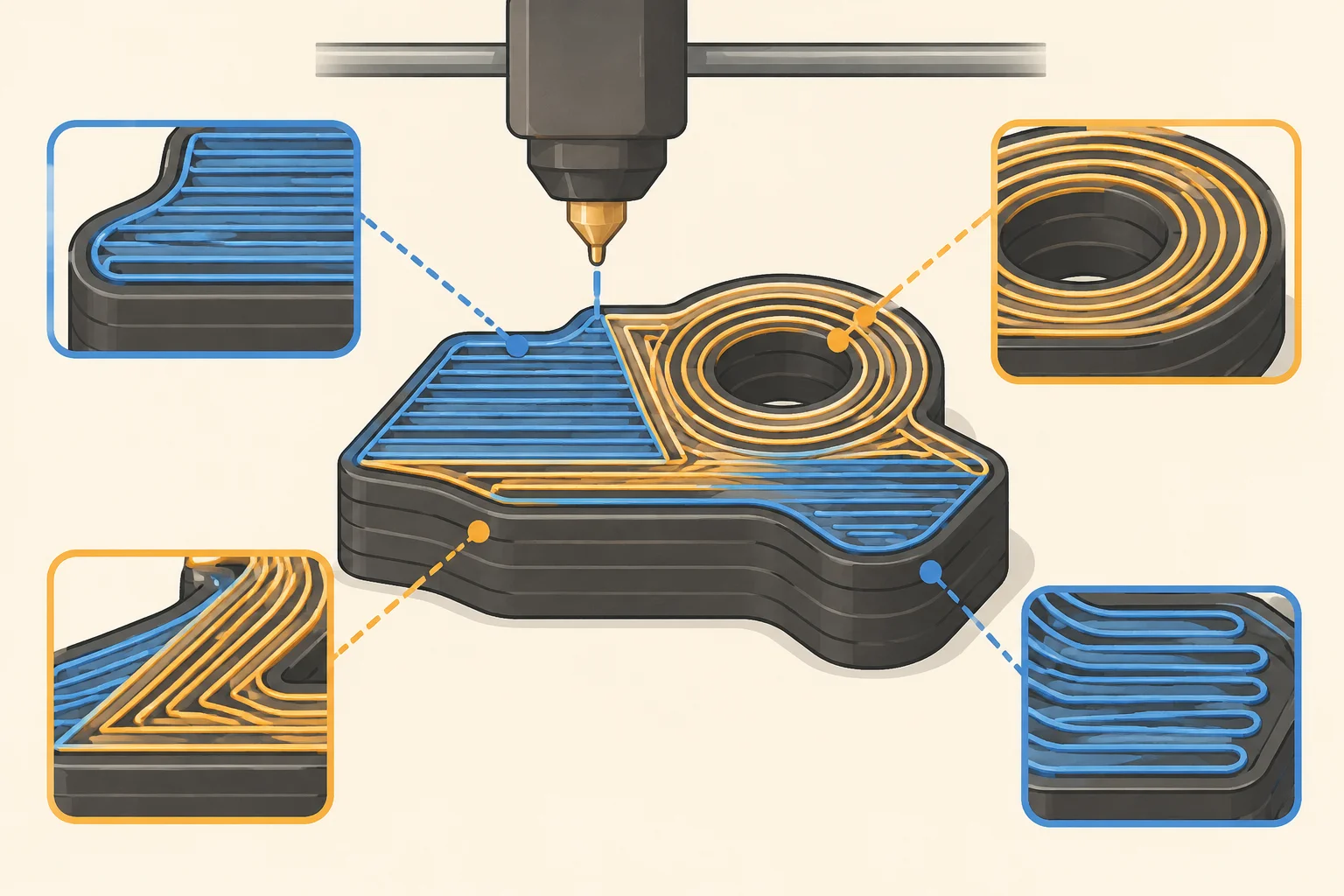
10/27/2026
Understand how model, profile, motion settings, and other inputs shape a slicer time estimate—and why theoretical layer counts do not establish a print duration.
Read articleOpen the Layer Comparison Explorer to compare three uniform layer heights on the same 30 mm teaching model.